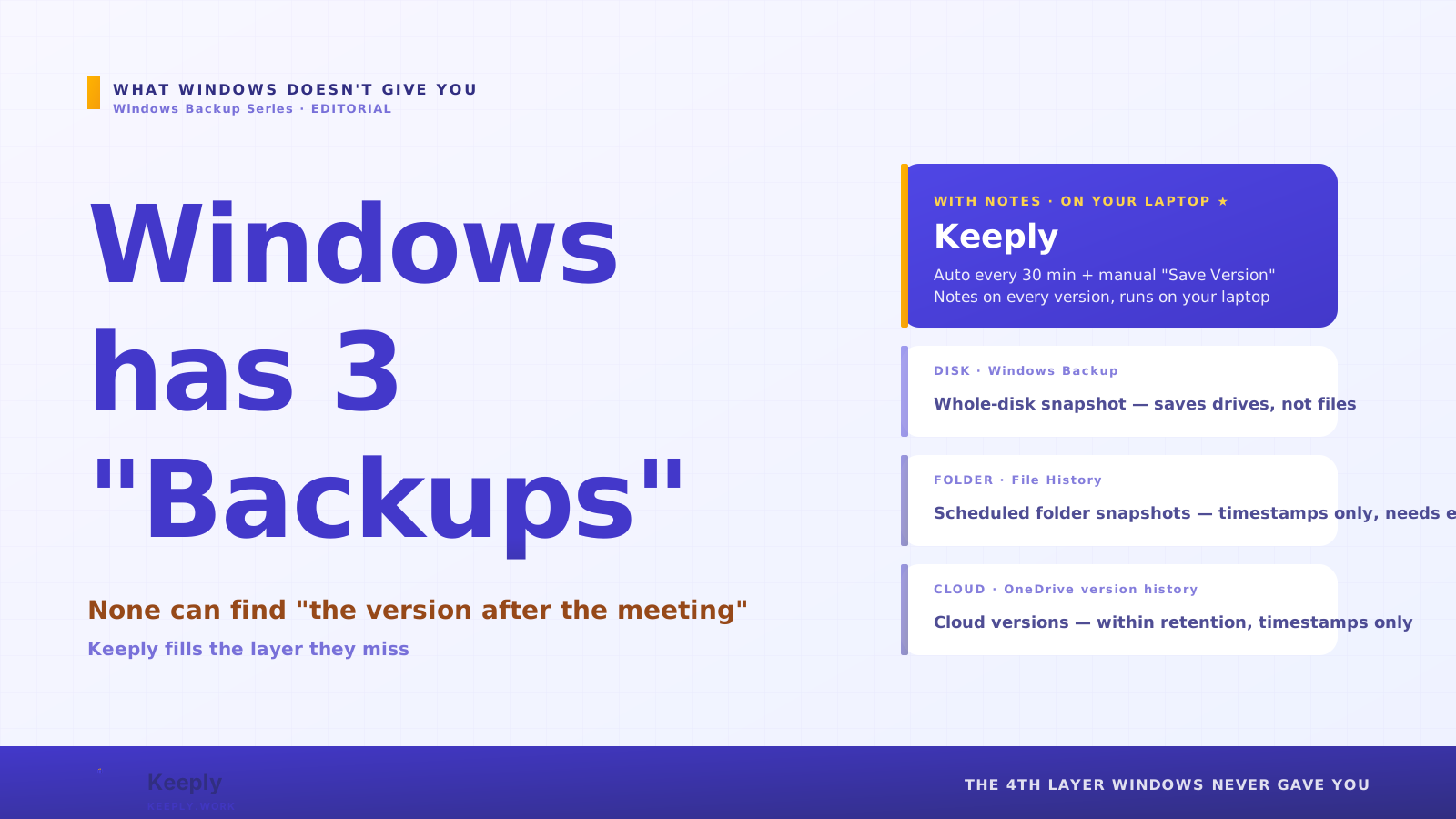
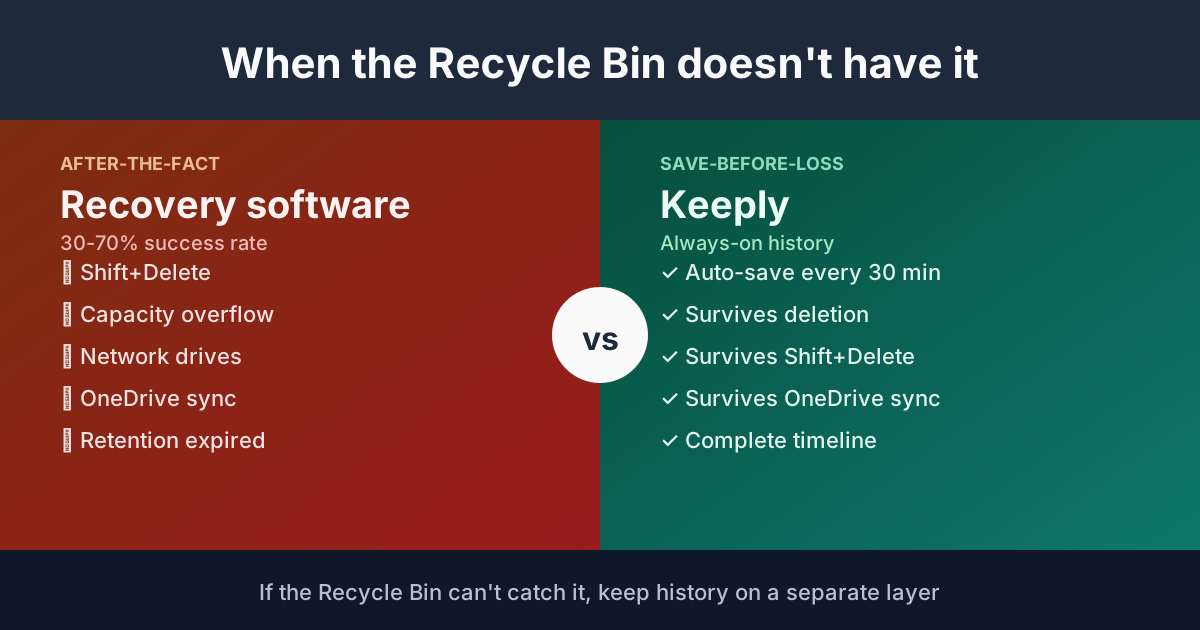
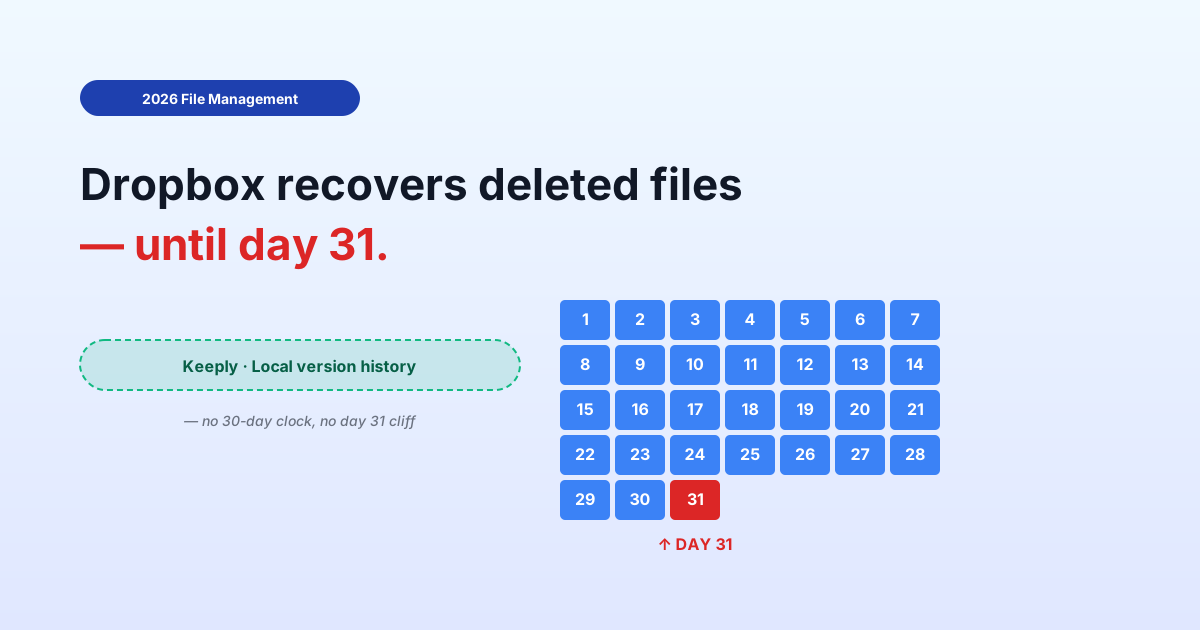
【2026 File Management】Time Machine vs Dropbox: backup, sync, and the third axis neither of them is
Every Time Machine vs Dropbox comparison frames it as backup vs sync. Both are correct. Both miss the third axis — file-level intentional version history — that neither tool actually does. Three months later when you need the deliberate save from 60 days ago, that absence is what hurts.
【2026 File Management】Time Machine vs Dropbox: backup, sync, and the third axis neither of them is
Every comparison article frames it as backup vs sync. Both are correct. Both miss the third axis you actually need three months later.
Friday 6:18 PM. You’re trying to find the version of the proposal from “the round before we changed the pricing.” You remember it was the Tuesday two months ago — there was a specific commit you made that afternoon.
You open Time Machine. It’s there, technically — but Time Machine wants you to scroll a stack of dated snapshots of your whole Documents folder. You don’t remember the exact date. You remember “after lunch on Tuesday two months ago.”
You open Dropbox. Version history is 30 days. Gone.
You realize the standard advice — “use both Time Machine and Dropbox” — gave you two tools that don’t answer the question you actually have.
What Time Machine vs Dropbox comparisons actually compare
Every comparison article you’ve read frames it as a two-axis fight:
| Axis | Time Machine | Dropbox |
|---|---|---|
| Local disk backup | ✅ Whole-disk snapshot | ❌ Not its job |
| Cloud sync across devices | ❌ Not its job | ✅ Core feature |
Both correct. Both true. Conclusion of every article: “use both.” Reasonable advice — wrong scope.
Because there’s a third axis they don’t put on the table.
The third axis: file-level intentional version history
What’s missing from every comparison: a per-file record of your deliberate saves, without a time cap or count cap, with the ability to mark a specific save as a milestone that survives forever.
Here’s the same table with the third axis added:
| Axis | Time Machine | Dropbox |
|---|---|---|
| Local disk backup | ✅ Whole-disk hourly snapshot | ❌ |
| Cloud sync across devices | ❌ | ✅ |
| File-level intentional version history | ⚠️ Disk-level only, not file-level | ⚠️ 30-day cap (180 paid) |
Time Machine has snapshots, but they’re disk-level. It doesn’t know you pressed Cmd+S on a specific file at 2:47 PM with intent. It knows the disk state at the next hourly snapshot, which might be 2:00 PM (before your save) or 3:00 PM (after — but containing whatever else changed between).
Dropbox has file-level versions, but capped at 30 days for free, 180 or 365 for paid plans. Past the cap, that file-level history is gone.
So when you need “the deliberate save from Tuesday afternoon two months ago,” Time Machine has the bytes (somewhere in the snapshot) but not the index. Dropbox had the index, but threw it away at day 31.
Why the third axis doesn’t appear in comparison articles
It’s a categorization problem.
Reviewers compare products that are framed as competitors. Time Machine and Dropbox aren’t actually competitors — Apple ships one with the OS, Dropbox sells subscriptions. The “vs” framing comes from users assuming they overlap because both touch files.
The third axis — file-level intentional version history — isn’t a category most mainstream tools occupy. So review sites don’t have a vendor in that slot, and the axis stays invisible.
You then choose tools by the axes that are visible. You pick Time Machine plus Dropbox, feel like you’ve covered everything, and discover the gap only when you need it.
What the third axis looks like when a tool implements it
A tool built around file-level intentional version history does these things:
- Saves a version on every deliberate Cmd+S, not on a snapshot schedule
- No time cap — the version from two years ago is as accessible as the one from yesterday
- No count cap — 500 saves later, the early ones are still retrievable
- A “Release” or “Milestone” marker — flag a specific save as “this is what I sent the client on March 8” and it survives forever, even if you save the file 500 more times after
- Works alongside Time Machine and Dropbox — doesn’t replace them, sits on the third axis
Keeply is one implementation of this third layer. It runs locally, watches the folders you add, captures the versions you deliberately save, no cap. The Release feature lets you freeze a specific version as a milestone.
Keeply — Tuesday afternoon two months ago

2026-03-08 — Tuesday
─────────────────────────────────
● 14:23   proposal.psd          (auto-saved)
● 14:47   proposal.psd          ★ Release: client-pricing-v1
● 15:11   proposal.psd          (auto-saved)
● 15:42   proposal.psd          (auto-saved)
That ★ marker is what gives you back the “deliberate save Tuesday afternoon” — it survives the 30-day Dropbox cap, the Time Machine hourly thinning, and your own forgetting which exact date it was.
The third axis also covers “recently dropped files” with its own panel — files grouped by when you deleted them, in a permanent layer the 30-day clock can’t eat:
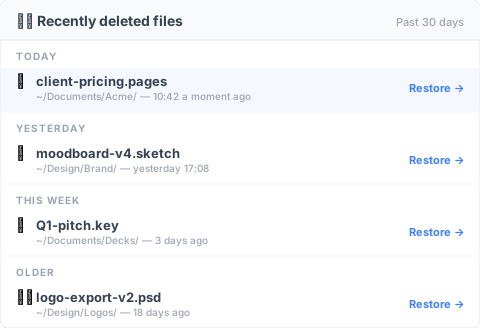
Pick the file, hit restore. You don’t have to first roll back the whole disk to fish out one file.
Time Machine and Dropbox still matter
This isn’t an argument to replace either tool.
Time Machine is the right tool for: full disk restore after hardware failure, “my Mac was stolen and I’m restoring to a new one,” “I want to undo a bad system update.” It’s a complete disk safety net. Run it.
Dropbox is the right tool for: cross-device sync, sharing folders with clients, offsite copy of working files. It’s a complete sync solution. Run it.
What neither does well: “give me the version of this file from a date I half-remember, not a snapshot of my whole computer from that date.” That’s the third axis.
When the third axis isn’t worth adding
Three boundaries where this article’s framing doesn’t apply:
You don’t keep work files past 30 days: If your workflow is short-cycle and nothing matters past a month, Dropbox’s 30-day window is fine. Don’t add complexity you won’t use.
Your work is in Pages / Numbers / Keynote, exclusively: Apple’s native file types have built-in version history that works without Time Machine or third-party tools. The third axis is built into the file format. Cost: file-type lock-in.
You’re in a regulated industry needing immutable archive: Version history isn’t compliance archive. If GDPR / HIPAA / SOX requires “this version cannot be modified after creation,” you need archive-grade tooling (Veeam, Acronis), not Time Machine + Dropbox + version history.
See also
The full pillar file version management complete guide breaks down 4 structural reasons your tool wasn’t designed for keeping file history.
Before comparing iCloud vs Dropbox: all 4 clouds share the same version history cliff — the cloud-vs-cloud comparison companion: this article covers local-vs-cloud; that one covers cloud-vs-cloud.
What Keeply saves vs. backup and cloud tools — same three-layer thinking applied to the Keeply-as-protagonist framing.
The Time Machine vs Dropbox question never had a single answer because it was never the right question.
The right question is: which axis are you trying to cover, and do you have a tool that lives on that axis?
Backup axis: Time Machine. Sync axis: Dropbox. Version history axis: not in the comparison table you’ve been reading. Add a layer that lives there, or live with the gap and know it’s there.
Three months from now, when you need the deliberate save from Tuesday afternoon, the answer is “click, March 8, restored” — not “let me boot Time Machine and scroll for an hour.”
About the author: Ting-Wei Tsao, founder of Keeply. LinkedIn