【2026 File Management】Masters thesis version control: 4 steps, no single-laptop gamble
Wednesday, 3 p.m. Your advisor messages: 'Your previous version of Chapter 3 was stronger, where did it go?' You open thesis_final_v7 and can't remember what v5 or v6 said. A four-step version-management playbook for grad students: no workflow changes, no jargon, just let two years of thinking leave a trail.
【2026 File Management】Masters thesis version control in 4 steps: don’t gamble two years on a single laptop
Wednesday, 3 p.m. Your advisor messages: “Your previous version of Chapter 3 was stronger, where did it go?” You open thesis_final_v7 and can’t remember what v5 or v6 said. A four-step version-management playbook for grad students: no workflow changes, no jargon, just let two years of thinking leave a trail.
Wednesday, 3 p.m. You’re at a coffee shop; your Americano is half full. A message from your advisor pops up: “Your previous version of Chapter 3 had the stronger argument, where did it go?”
You open your laptop. Google Drive has thesis_final.docx, thesis_final_v2.docx, thesis_revised_0415.docx. You open each one, scroll to Chapter 3, and compare it to what’s on screen now.
You can’t remember what the previous version said that was different.
You type back: “Let me look.” And in your gut you already know. It’s gone.
You used to think the deadline was your thesis’s biggest enemy. From this afternoon on, it isn’t.
Table of contents
- “Where did your previous version go?”
- Why cloud sync and Word version history don’t save a thesis
- A thesis isn’t one document, it’s a timeline
- Masters thesis version control in 4 steps
- Some students don’t need any of this
“Where did your previous version go?”
A thesis doesn’t get lost in dramatic ways. The hard drive doesn’t die, the laptop doesn’t drop, the coffee doesn’t spill. It disappears quietly, so quietly you might not notice for three months.
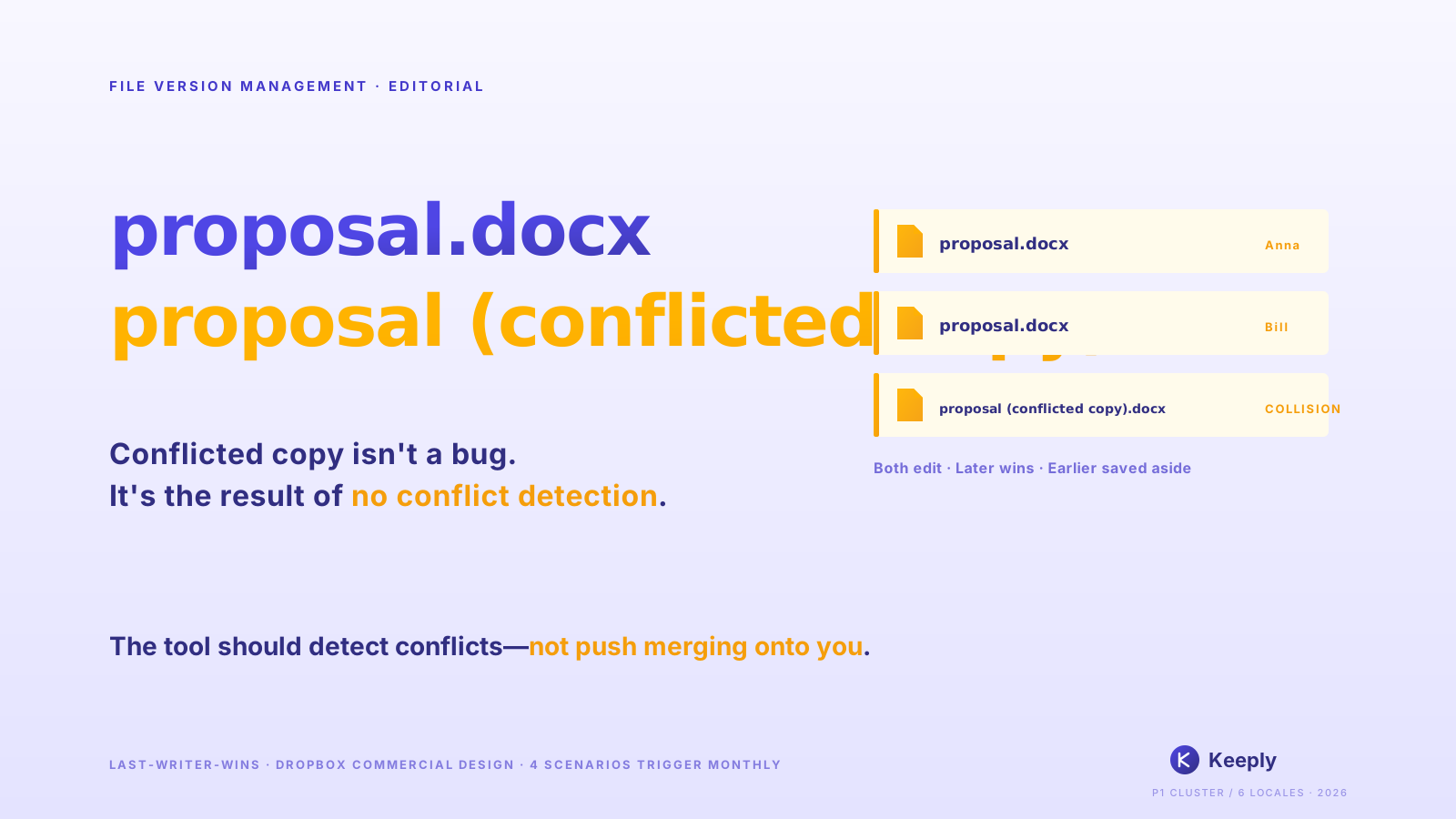
You know the feeling: your advisor asks where some argument went. You scour folders. Your filenames are thesis_final.docx, thesis_final_v2.docx, thesis_final_really_final.docx. You open the newest one — Chapter 3 is right there. But the version your advisor is asking about, you’ve already saved over.
This isn’t laziness. It isn’t carelessness. No one ever told you: every edit you make to your thesis is a moment you’ll have to come back to. And when you try to come back, the file system only tells you “last modified a few minutes ago.” It remembers the present, not your two years of thinking.
Your palms start to sweat. You keep scrolling through those filenames.
Before I built Keeply, I wrote a long-form document of my own at roughly that scale. That’s when I noticed: the tool you need isn’t missing from the market — it’s scattered across three categories, each one solving half the problem.
Why cloud sync and Word version history don’t save a thesis
You’ll think: “But I have cloud, right? iCloud, OneDrive, Google Docs — it’s all saved automatically.”
There’s a confusion here worth pulling apart: cloud sync solves “the file won’t disappear,” not “where’s the previous version of that paragraph.”
Pull it apart:
Cloud sync (iCloud, OneDrive, Dropbox) solves hardware failure. Laptop dies — file is still in the cloud. But today’s save overwrites yesterday’s. It’s “latest backup,” not “every version accumulated.”
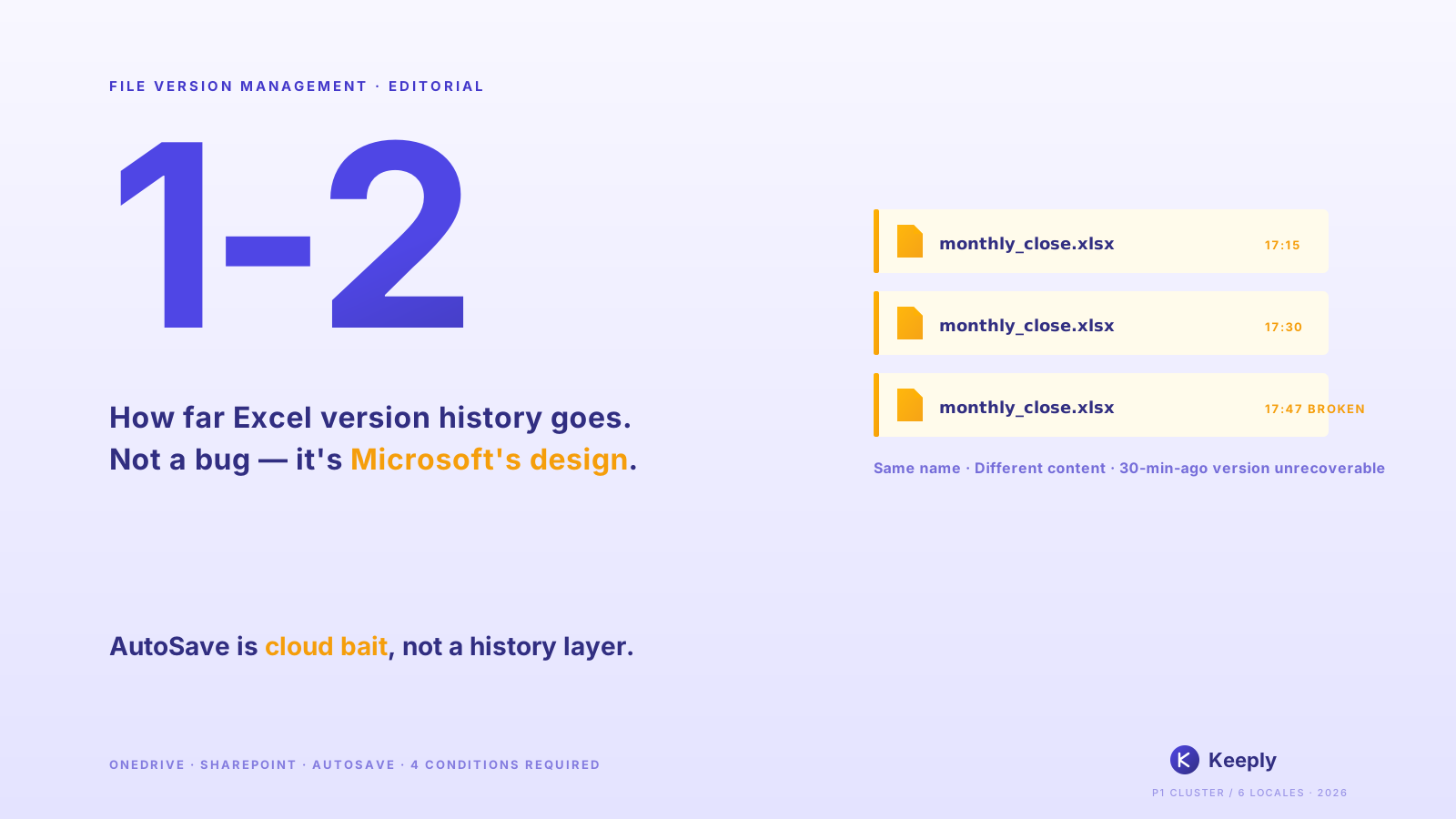
Word’s track changes, Google Docs version history help with “this current draft.” Who changed which sentence, recorded clearly. But they don’t solve cross-date, cross-file differences. Google Docs’s automatic versions get merged and culled over time; the full Chapter 3 from three months ago — you can’t see it.
Manual filename versioning v1 v2 v3. Sounds reasonable. But six months later, looking at thesis_v7_real.docx and thesis_v7_fix.docx, which one did your advisor see? You can’t say. Renaming keeps versions, not meaning.
Nothing’s wrong with these three tools. They just weren’t designed to answer the question you have right now: “What did my Chapter 3 actually look like last week?”
The infosec 3-2-1 backup rule (3 copies, 2 media, 1 offsite) solves “the data doesn’t disappear all at once.” That matters. But it doesn’t answer the diff question.
Lay these four tools side by side and you can see they each cover a completely different layer:
| Tool | What it solves | What it doesn’t | Right fit for a thesis? |
|---|---|---|---|
| Cloud sync (Dropbox / OneDrive / iCloud) | Laptop dies, file is still there | Where’s the previous Chapter 3 | Half |
| Word / Google Docs version history | Who changed which sentence today | Cross-date, cross-file diffs | Half |
Manual filename v1 v2 v3 | Keeps the shape of separate versions | What each version actually meant | A third |
| 3-2-1 offsite backup | Data won’t be wiped all at once | Which version you want back | Doesn’t apply |
| Tool-layer automatic versioning (Keeply) | Every save kept automatically, cross-date diff view | Whole-disk physical failure (pair with backup) | Yes |
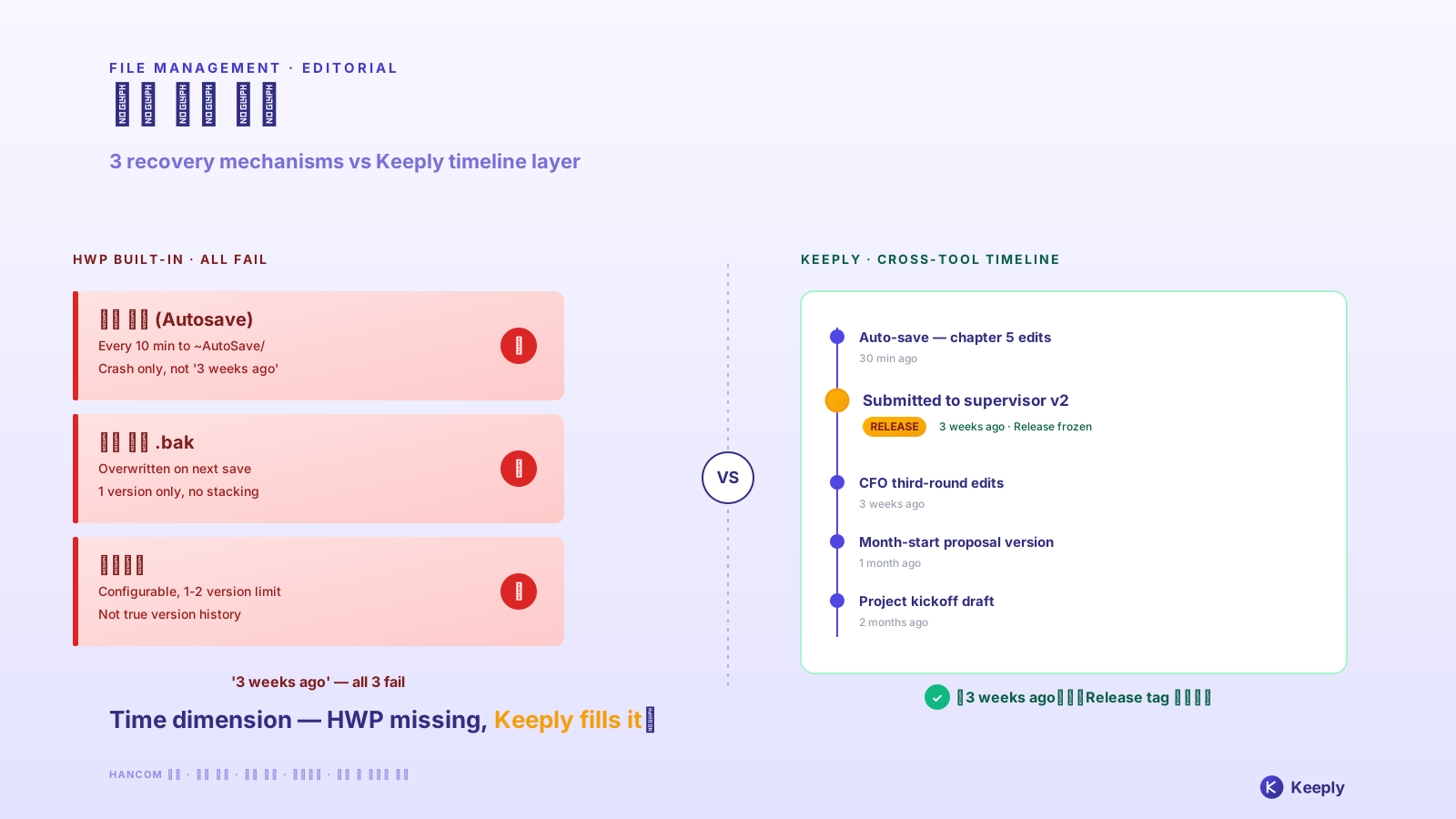
Each tool has its right context. The problem is that thesis writing simultaneously needs the “diff memory” layer — and none of the traditional tools are designed specifically for that layer.
A thesis isn’t one document, it’s a timeline
Reframe it: a thesis isn’t a document. It’s a timeline.
The PDF your advisor finally gets is just one cross-section of that timeline. What actually matters is how you thought over the last year and a half. Why you cut that paragraph, why you added this one, how you revised after each advisor meeting. That trajectory is the skeleton of your thesis.
The PDF is the result. The timeline is the process.
Students who treat the thesis as a “document” flatten everything as they write. Every save overwrites the previous one; the desktop only has the latest. That isn’t wrong. It’s the default most people inherit. The cost is: when your advisor asks “what about your previous version of that part,” you have nothing to pull up.
Students who treat the thesis as a “timeline” do it differently. One copy each week. One copy each time they hand the file to the advisor. One copy each time a chapter’s structure changes. Not for collection — to leave evidence.
What’s the evidence for? The most important thing: your advisor isn’t grading a PDF; they’re auditing the evolution of your thinking. When they say “your previous version of that part was stronger,” they’re not nitpicking — they’re recalling the reasoning with you. That’s the most fundamental move in academic work. Iterative thinking.
The defense is the same. When committee members ask “why did Chapter 3 get this structure,” if you can pull up the trajectory, you’re not reciting an answer. You’re walking the committee through a path you walked yourself.
There’s a more practical side too. If one day your thesis is challenged (citation source, plagiarism allegation, research ethics), the version history is your defense. Without a timeline, you only have the current PDF — you can’t prove anything.
So diff memory isn’t a “yes/no” question. It’s a “manual vs automatic” question. You can manually rename files every week and back up every save. Honestly, very few people pull that off. Or you let a tool do it.
Masters thesis version control in 4 steps
There isn’t much to do. Four things:
1. Each evening before you stop, save a dated copy. Filename like thesis-0423.docx. Sounds trivial. But six months in, check honestly — how many days did you actually do it? When I was writing my own long document, I held the line for one month, then forgot in month two. This layer needs a tool to back you up.
2. Each time you hand the file to your advisor, set that copy aside. Filename like thesis-0423-for-advisor.docx. This is the one your advisor most often wants when they ask “what about your previous version.”
3. Let a tool keep your versions for you. This is exactly where steps 1 and 2 fall short, and where the tool steps in. Keeply is built for this. The versions you save are kept quietly in the background — or switch on auto-save and it captures your changes every 15–30 min. Files stay in your existing folder — no moves, no switching tools. The diff view lets you see word-by-word what changed between v5 and v6. When your advisor asks, you can pull it up in two clicks.
Open the version-history panel on thesis_v3.docx and you see four months of edits, one round of advisor feedback after another, stacked in order:
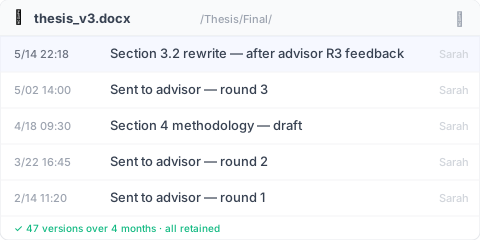
The green line at the bottom — “47 versions · all preserved” — is the biggest gap between Keeply and Word’s built-in version history. With Word, every Ctrl+S after a sentence change becomes a new version, and 47 across four months is normal; Word holds at most 25 versions (personal account), and once you go past, the oldest get pruned. With Keeply, any of the 47 rows is still a click away.
4. Keep at least one copy off this laptop. Cloud, external drive, USB stick — any of them. The point is it isn’t on this computer. Laptops get stolen at coffee shops. SSDs die. Coffee gets spilled into keyboards. Every year these happen to some grad student somewhere. Offsite backup is the cheapest insurance you’ll ever buy yourself.
Some students don’t need any of this
But I have to say this honestly: this isn’t written for every grad student.
If you already use LaTeX paired with an engineer’s version tool, you already have the complete timeline. It’s stronger than anything described here. If your thesis lives entirely in Overleaf, the version history is built in. Just remember it doesn’t persist after PDF export — back up the source .tex project separately. If your writing path is purely linear, word count only goes up, and you never go back and revise, you don’t need any of this either. Honestly, the third type barely exists.
There’s one more thing that even a fully equipped toolkit won’t solve: your advisor’s verbal feedback doesn’t record itself. What they say in weekly meetings is your responsibility: notes, recordings (with permission), post-meeting writeups. The tool keeps your files. It doesn’t keep your conversations.
A thesis isn’t just the PDF you submit at the end. It’s how you thought, how you revised, how you got pushed back by your advisor and how you responded — that whole trajectory over two years. That trajectory is happening every day.
Doesn’t it deserve a timeline of its own?
Remember 3 p.m. Wednesday, the unfinished Americano at the coffee shop? You don’t need to be your thesis’s file manager anymore. Keeply: the guardian of your file history, remembering every change for you. Version history lives inside the folders you already use — no migration, no switching tools. Thesis writing is a particularly good fit, because a thesis is exactly the kind of long, accumulating trajectory it’s built for.
Further reading
The pillar Complete Guide to File Version Management unpacks the 4 structural reasons tools simply aren’t designed for what you actually need.
Sources
- U.S. CISA. Data Backup Options (3-2-1 backup rule)
About the author: Ting-Wei Tsao, founder of Keeply. LinkedIn